
CharisPDF
Free, local PDF editor for iPhone, iPad and Mac, by Cheng Guan Teo

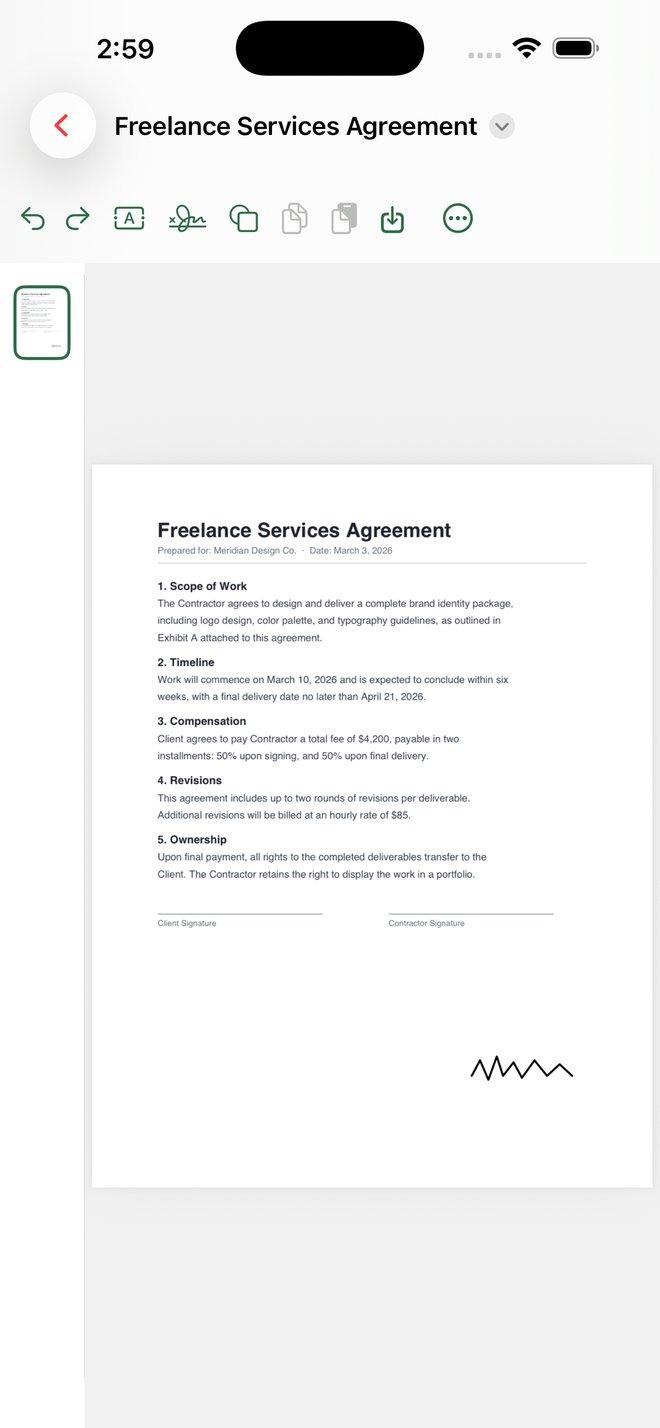
CharisPDF is a free, local PDF editor for iPhone, iPad, and Mac. Add your marks to any PDF — text, shapes, signatures, highlights — without an account, without ads, and without touching the original page content.
No sign-up. No subscription. No watermark. Your files never leave your device.
What you can do
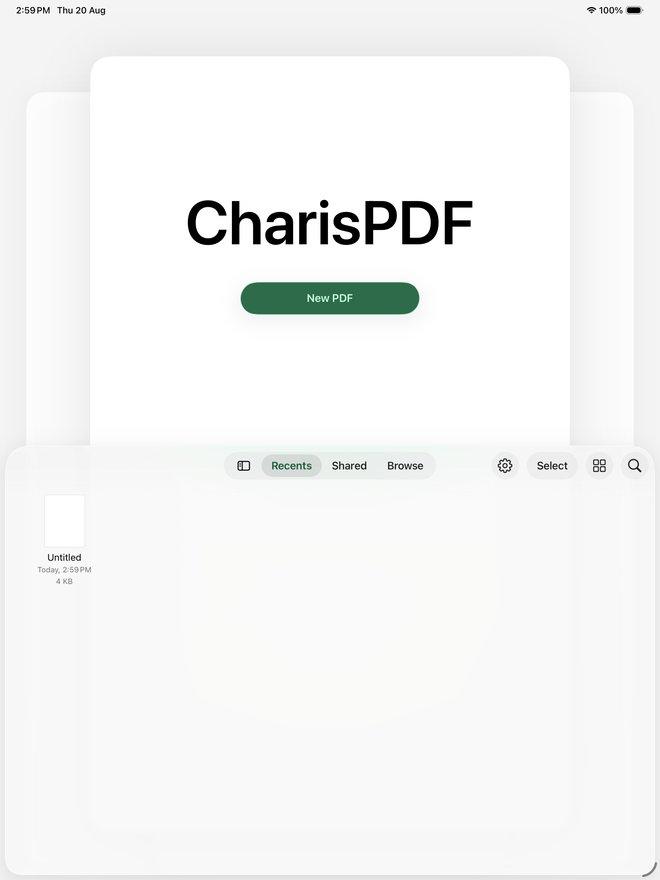
- Open, read, search, and print any PDF
- Add text, shapes, and signatures — move, restyle, resize, or rotate them anytime
- Highlight, underline, strike through, and add notes
- Organize pages: reorder, rotate, insert, delete, duplicate, extract
- Undo and redo, all the way back
- Save straight to Files or Finder
- Full dark mode support, works completely offline
Why it’s different
Most free PDF tools try to rewrite the original text on the page — and often break the layout doing it. CharisPDF doesn’t touch the original content. Everything you add sits on top as its own object, so it stays clean, selectable, and reversible.
Your privacy, built in
The developer has no access to your files. Nothing is uploaded, tracked, or sold. You accept a short privacy statement once, and that’s the entire “account” CharisPDF ever asks for.
Screenshots
Compatibility
The App Store lists CharisPDF as free, in the Productivity category, version 1.3.2, rated 4+. It requires iOS 17.0 or later on iPhone, iPadOS 17.0 or later on iPad, and macOS 14.0 or later on a Mac with Apple M1 or later. The Singapore storefront also labels it “Designed for iPad. Not verified for macOS.”
Charis is Greek for grace — the idea behind this app: put your mark on the document you have, and leave the rest alone.